PPT to PDF Online — Convert PowerPoint Slides | pdftourl
Turn PowerPoint presentations into PDFs for reading, sharing and printing.
Upload a PDF and get a shareable URL for email, chat and websites
Turn your PDF into a link you can copy and share. This free PDF to URL tool also supports TXT, Word, Excel, CSV and PowerPoint documents up to 10 MB, with daily upload limits.
Supports PDF, TXT, DOC, DOCX, XLS, XLSX, CSV, PPT, PPTX up to 10MB
Select or drag your document here
Click upload button to convert
Copy the link and share your document anywhere
Drop your document here, or click to browse
Size: 10 MB

Upload and convert documents to shareable URLs in seconds. No queues, no complicated setup.
Files are uploaded over HTTPS. The generated URL is a public sharing link that anyone with the address may access.
Copy a URL for documentation, approvals and team workflows. Access depends on the file and hosting service remaining available.
Turn PowerPoint presentations into PDFs for reading, sharing and printing.
Turn your pictures into one PDF, in the order you choose. Download it to your device or create a PDF link when you are ready to share.
Turn your PDF into a document you can work with. Export editable text, create a web document, or keep every page's appearance.
Write and format your text, preview the pages and download a searchable PDF.
Extract selectable text or recognize text in scanned PDFs. Review, copy and download the result.
Add text, images, drawings, and highlights to your PDF. Edit each page in a visual workspace and download your finished document.
Combine PDF files into one document. Arrange files or individual pages, then download your merged PDF.
Preview your document, draw a crop area or enter precise margins, then download your cropped PDF. Your file stays on your device.
PDF to URL. Use this link to open the original file directly. Files hosted here use public links. Anyone with the original link can access the file. This preview page does not add password protection.
Upload a PDF, create its QR code, and share your document with a scan.
Turn your PDF into an interactive book. Preview locally, then publish a link or embed it on your website.
Permanently remove selected areas from a new PDF. All processing stays in your browser.
Make your PDF smaller with local processing. Choose the image quality that suits your document.
Turn images into a PDF or export your PDF as images and text. Choose a format, convert, and download.
PDF to link means uploading your document and getting a web address for the hosted file. A link and a URL refer to the same address here. Choose your PDF, upload it, then copy the URL to share it. This does not add hyperlinks inside your PDF or turn its pages into HTML.
PDF and office documents: up to 10 MB per file
Public sharing: anyone with the URL may access the file
Copy a URL, HTML link or Markdown link
Free basic uploads with daily limits
Built for fast, secure, and stable document sharing.
Upload and convert documents to shareable URLs in seconds. No queues, no complicated setup.
Files are uploaded over HTTPS. The generated URL is a public sharing link that anyone with the address may access.
Copy a URL for documentation, approvals and team workflows. Access depends on the file and hosting service remaining available.
See why teams choose PDFToURL for fast document link sharing
| Feature | PDFToURL | Cloud Drives | Temporary Hosts |
|---|---|---|---|
| Permanent URLs | ✓ Never expire | ✓ Usually with account | ✗ Can change or expire |
| No Registration | ✓ Instant upload | ✗ Account often required | ✗ Account required |
| Document Focus | ✓ Built for docs | ✗ Media-first | ✗ Not doc-focused |
| File Size Limit | 10MB (free) | Varies | Varies |
| Privacy | ✓ No tracking | ⚠ Ads & tracking | ⚠ Platform tracking |
| Direct File URL | ✓ Always | ⚠ Depends on file type | ✗ Often view links only |
| Format Support | PDF/TXT/Word/Excel/PPT | Limited docs | Primarily media |
| Best For | Docs, reports, handoffs | Image sharing | Personal media backups |
Trusted by teams that share documents every day
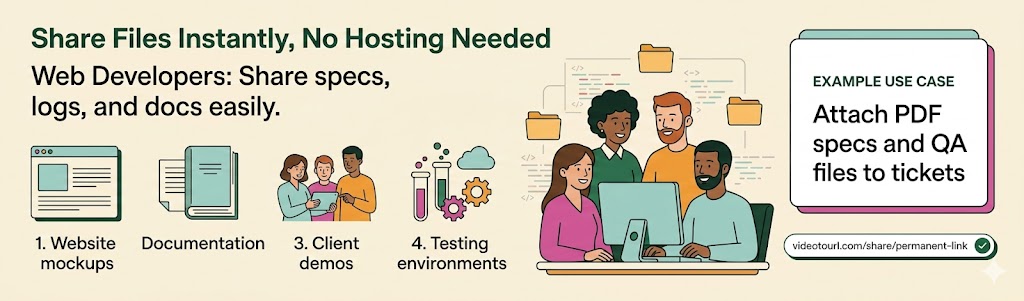
Share specs, logs, and documentation attachments without setting up separate file hosting.
Example Use Case
Attach PDF specs and QA files to tickets with one permanent URL
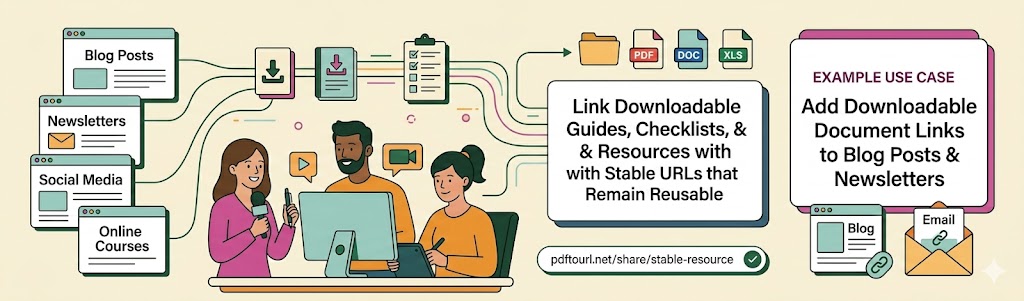
Link downloadable guides, checklists, and resources with stable URLs that remain reusable.
Example Use Case
Add downloadable document links to blog posts and newsletters
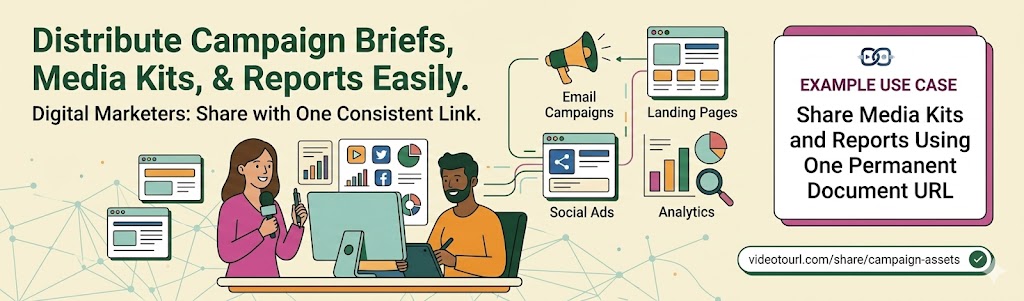
Distribute campaign briefs, media kits, and reports with one consistent share link.
Example Use Case
Share media kits and reports using one permanent document URL
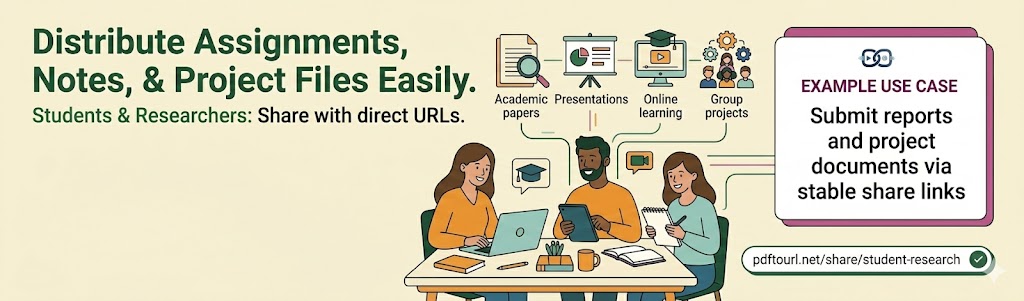
Share assignments, notes, and project files with classmates and instructors using direct URLs.
Example Use Case
Submit reports and project documents via stable share links
See what professionals are saying about PDFToURL
Converting requirement docs to URLs is fast and reliable for tickets and QA handoffs.
Sarah Johnson
Web Developer · TechStart Inc.
We share one clean document URL for briefs, reports, and campaign assets across teams.
Mike Chen
Content Strategist · Digital Marketing Pro
Perfect for downloadable guides. Links stay stable and easy to reuse in old posts.
Emily Rodriguez
Blogger · Lifestyle Blog
Simple and dependable for sharing PRDs and review documents with external stakeholders.
David Thompson
Product Manager · WebFlow Agency
Permanent links reduce file confusion. Our team now has one source URL per document.
Jessica Kim
Operations Lead · Brand Solutions
This became our default way to share PDF decks and spreadsheets with partners.
Alex Foster
Startup Founder · InnovateNow
Choose a PDF up to 10 MB, upload it, then copy the generated URL. PDF to link conversion hosts your file so you can share its web address. Basic use does not require an account and is subject to daily upload limits.
This tool uploads your existing PDF and returns a link to the file. It does not edit PDF pages, add hyperlinks inside the document, or perform OCR.
You can upload PDF, TXT, DOC, DOCX, XLS, XLSX, CSV, PPT and PPTX files up to 10 MB each.
Treat the generated URL as a public sharing link: anyone with the address may access your file. Review your document for sensitive information before uploading it.
Paste the URL into email, chat, documentation or a website. After uploading, you can also copy a ready-made HTML or Markdown link.
Basic uploads are free within the daily upload limits. You can start without an account; free use does not mean unlimited uploads.
The generated URL has no built-in expiry timer. Access still depends on the file and hosting service remaining available. Keep a backup of your original document.
PDFToURL is a free, fast, and reliable document hosting service for developers, creators, and teams. Convert files to permanent URLs in seconds and share them anywhere.
Discover advanced storage, automation, and sharing tools for document-heavy teams.
Convert Document to URL














![Top [count] General Practice Attorneys - OnToplist.com](https://www.ontoplist.com/images/ontoplist31.png?id=69d86f68ed466)